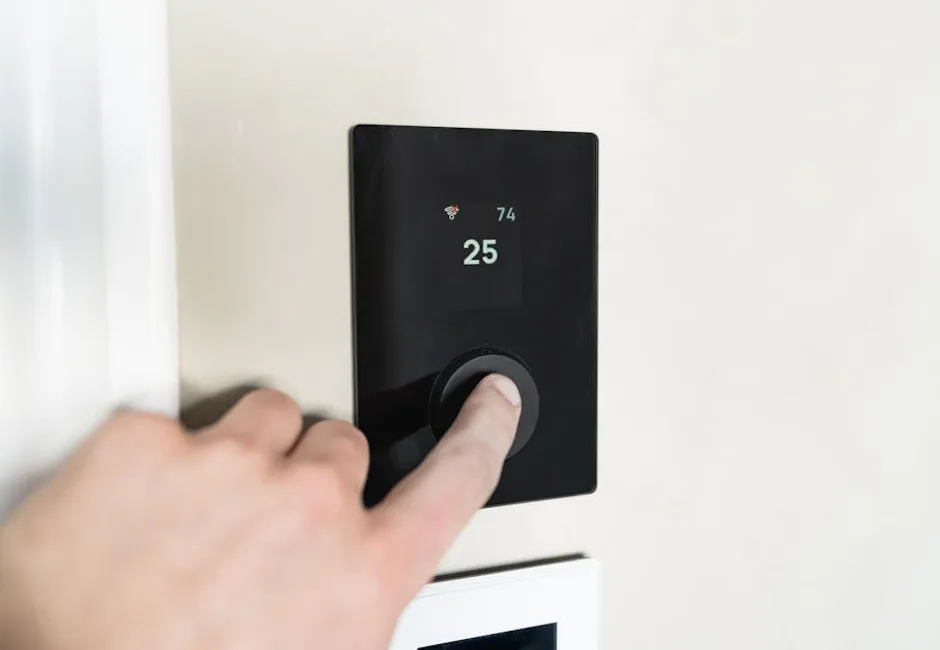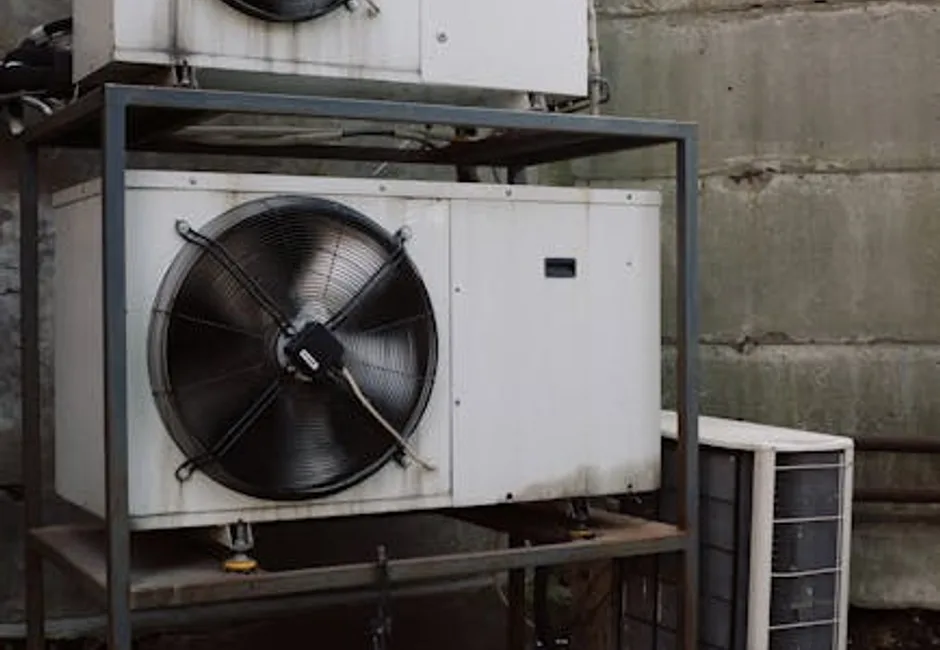
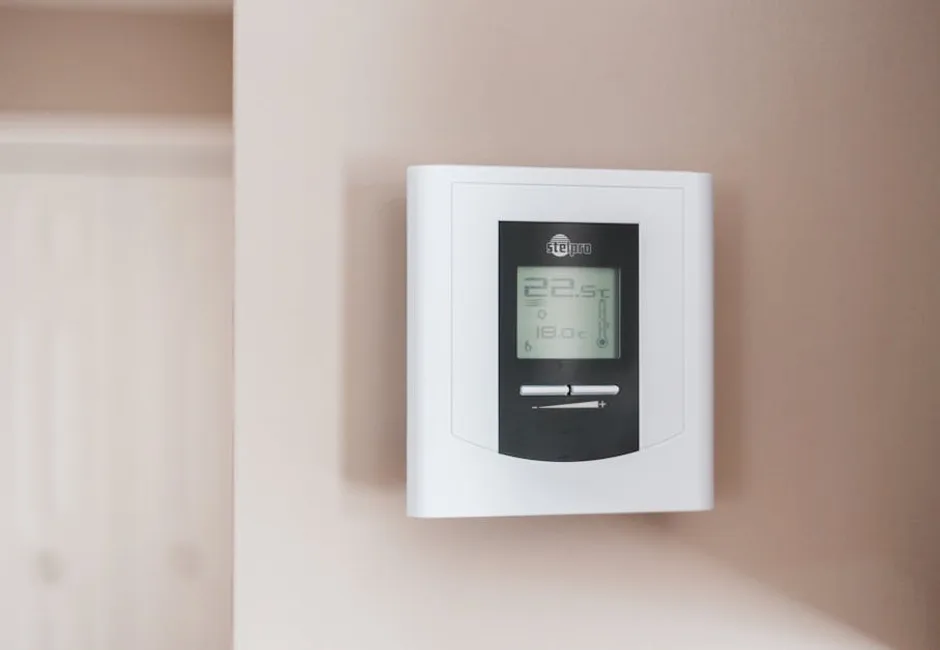
A thermostat that has gone blank or stopped controlling your furnace or air conditioner is usually a small problem, not a failed HVAC system. Most cases come down to power (dead batteries or a missing C-wire), a tripped breaker, or a wiring issue. This guide walks through the checks in order, with brand-specific notes for Honeywell, Nest, and ecobee.
Blank Thermostat Screen
Dead batteries
The most common cause on battery-powered thermostats. Replace the AA or AAA batteries even if the low-battery warning never appeared. This alone fixes a large share of blank-screen cases.
Tripped furnace breaker or switch
The thermostat draws power from the furnace. If the furnace breaker tripped or the furnace power switch (which looks like a light switch near the furnace) is off, the thermostat goes dark. Check both.
Missing or loose C-wire
Smart thermostats like Nest and ecobee need constant power from a common (C) wire. A loose or missing C-wire causes a blank or randomly restarting smart thermostat. ecobee includes a Power Extender Kit for homes without a C-wire.
Blown furnace door safety switch or fuse
A furnace door not fully closed can cut power, and some furnace control boards have a small blade fuse that can blow, killing thermostat power. These need a look at the furnace.
Thermostat Has Power but Furnace or AC Will Not Run
- Confirm the mode is right: HEAT (not COOL or OFF) in winter, COOL in summer, and the setpoint is past the room temperature.
- Wait a few minutes: many thermostats have a built-in compressor delay before the AC or furnace starts.
- Check the schedule: a smart thermostat on a schedule or in Eco/Away mode may be holding a lower setpoint than you expect.
- Loose wiring behind the thermostat can break the call for heat or cool; this needs a technician if reseating the wires does not help.
Brand-Specific Notes
- Honeywell: a blank screen is almost always dead batteries; replace them first. Some models show a battery icon before dying.
- Nest: a flashing or blank Nest usually means low power from a missing or weak C-wire. Nest can trickle-charge over the heating wire but often needs a proper C-wire for reliable operation.
- ecobee: if it restarts randomly or shows no power, the C-wire or Power Extender Kit connection is the first thing to check.
- Any smart thermostat: a lost Wi-Fi connection stops the app from working but should not stop the thermostat from running your system locally.
What to Check Yourself
- Replace the batteries (battery-powered models).
- Confirm the furnace power switch is on and the furnace door is fully closed.
- Check the electrical panel and reset a tripped furnace breaker once.
- Confirm the mode and setpoint are correct, and disable any Away or Eco hold.
- For smart thermostats, check the C-wire or power adapter connection.
When to Call a Technician
Call EcoFrost if the thermostat stays blank after new batteries and confirmed power, if the furnace breaker keeps tripping, if the system will not respond with the thermostat clearly powered and set correctly, or if you need a C-wire run for a new smart thermostat. We diagnose thermostat and control faults and install smart thermostats across the GTA.
Ready to take the next step?
Book HVAC Service?Frequently Asked Questions
Why is my thermostat screen blank?
Why is my Honeywell thermostat not working?
Why is my Nest or ecobee thermostat not working?
My thermostat has power but the furnace will not turn on. Why?
Can a bad thermostat stop my furnace from working?
EcoFrost Heating & Cooling
Toronto's Trusted HVAC Experts Since 2015
Our certified HVAC technicians have completed 15,000+ installs across the Toronto area. We write about heating, cooling, and air quality from real field experience not marketing copy. Learn about us →